
Kriya - Deposits and Withdrawals in Bangladesh
Updated
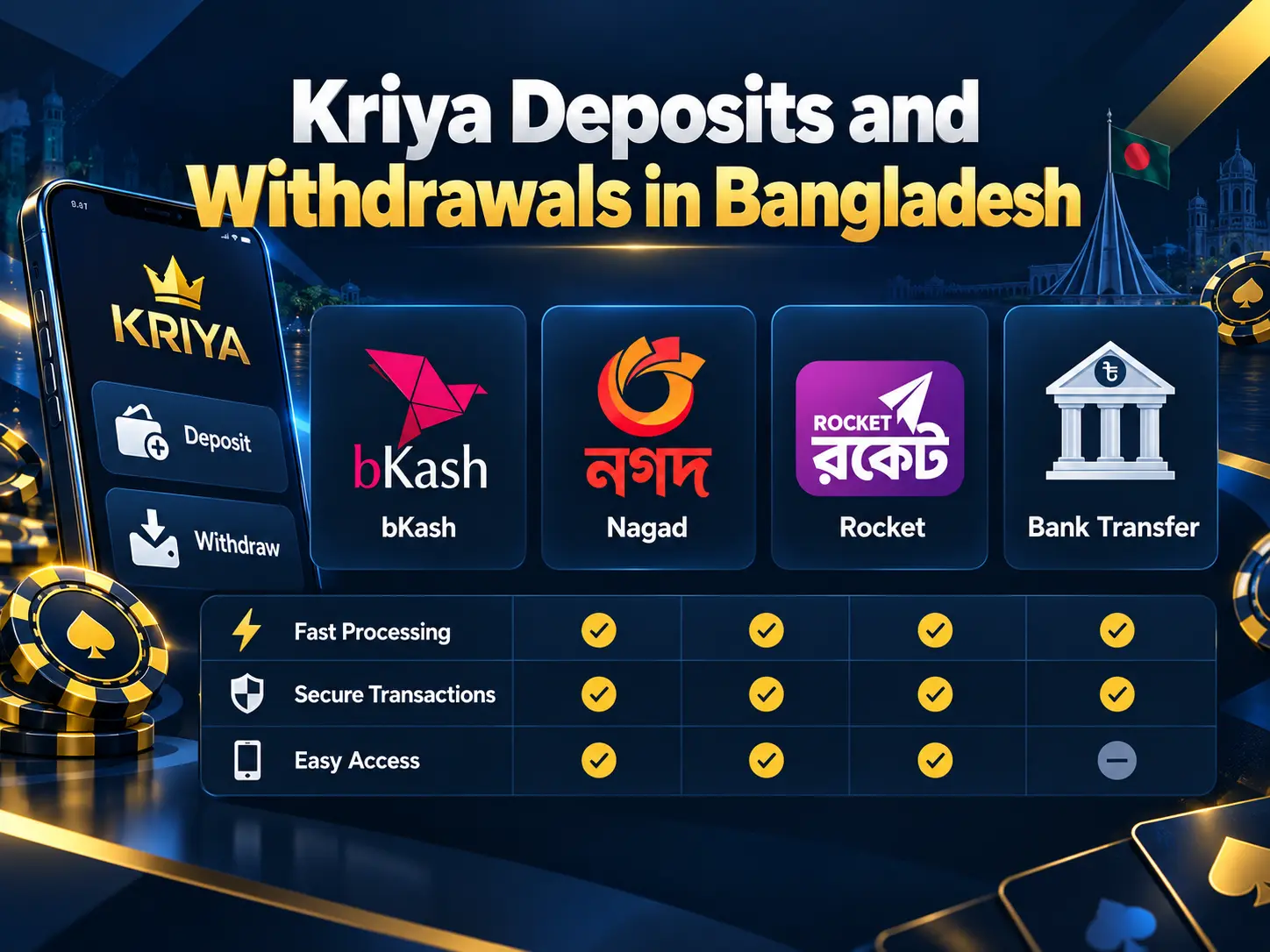
Kriya Bangladesh users can manage deposits and withdrawals through local wallets or bank transfer options. The cashier displays the available methods, limits, currency, and any applicable charges for each account. BDT is the practical currency for local transactions, while processing times depend on the selected channel and any required account checks.
Available Payment Methods
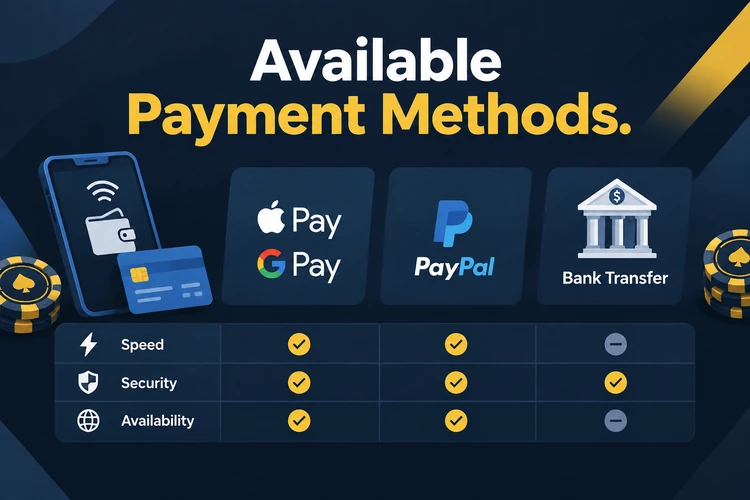
Kriya online lists mobile wallets and bank channels in the cashier. The table shows the limits and times stated in the current payment details, but you should confirm them before submitting a transaction.
| Method | Min Deposit | Max Deposit | Min Withdrawal | Withdrawal Time | Fee |
|---|---|---|---|---|---|
| bKash | 500 BDT | 50,000 BDT | 1,000 BDT | 24–48 hours | 0% |
| Nagad | 500 BDT | 50,000 BDT | 1,000 BDT | 24–48 hours | 0% |
| Rocket | 500 BDT | 50,000 BDT | 1,000 BDT | 24–48 hours | 0% |
| Upay | 500 BDT | 40,000 BDT | 1,000 BDT | 48–72 hours | 0% |
| SpeedPay | 500 BDT | 40,000 BDT | 1,000 BDT | 48–72 hours | 0% |
| Bank Transfer | 1,000 BDT | 100,000 BDT | 2,000 BDT | 48–72 hours | 0% |
bKash and Nagad are often convenient for Bangladesh users because their wallet confirmations are familiar and widely available. The fastest option for your account may differ, so compare the cashier status before choosing. Provider charges can also apply separately from Kriya payments.
How To Make A Deposit
You can fund the account through the Kriya app or the website. A Kriya login is required before the cashier shows the payment options linked to your account.
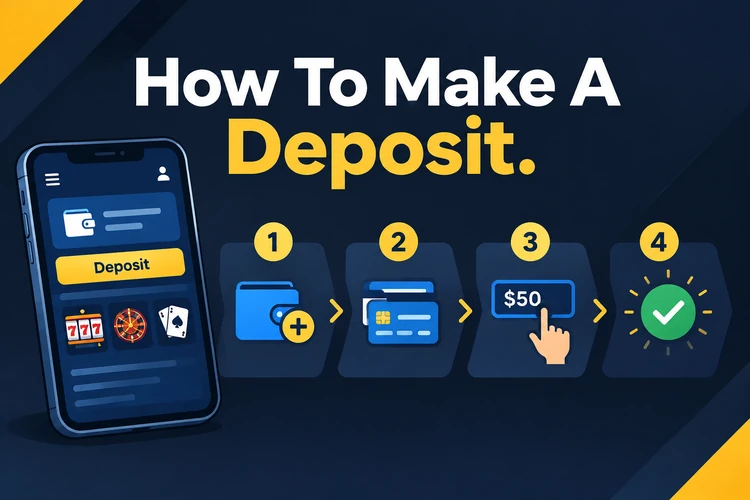
- Open the Kriya app or website and sign in.
- Open the account menu and select Deposit.
- Choose a listed wallet or bank method.
- Enter the amount in BDT within the displayed limits.
- Confirm the transaction inside your wallet app using your PIN.
- Return to the account and check the available balance.
If the balance does not update after the time shown in the cashier, check the wallet transaction status first. Then contact support with the transaction reference, amount, time, and account username. Do not repeat the payment until the first transaction is resolved.
How To Withdraw Winnings
A Kriya app login or website session is needed to request a withdrawal. The account may review the request before sending funds to the selected payment channel.
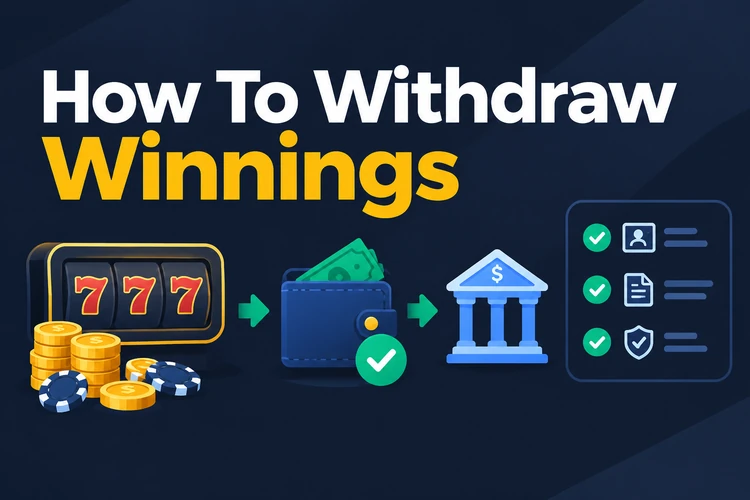
- Sign in through the app or website.
- Open the cashier and choose Withdraw.
- Select an available wallet or bank method.
- Enter the amount within the displayed withdrawal limits.
- Review the details and confirm the request.
- Open Transaction History to monitor the status.
Mobile wallet requests may take 24 to 48 hours, while bank transfers may take up to 72 hours. These are guide times rather than guarantees. Verification, payment provider checks, or incorrect details can extend processing.
Withdrawal Requirements
Before using Kriya casino withdrawal tools, review the account and payment conditions. A request may remain pending if the deposit, identity, or bonus requirements are incomplete.
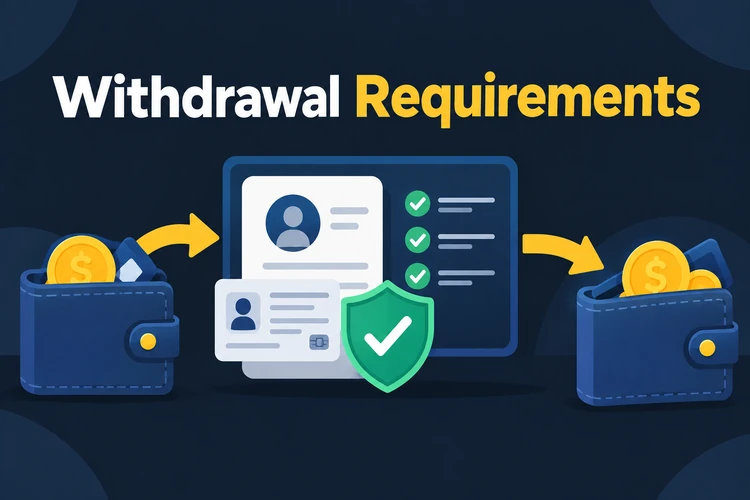
- Your total bets should equal or exceed the deposit amount at least once.
- The wallet or bank account name must match the casino profile.
- The withdrawal should use the deposit currency and an approved method.
- Any requested identity verification must be completed.
- An active bonus must not have an unfinished wagering requirement.
Following these conditions reduces avoidable delays. Keep payment receipts and verification information available, but share documents only through the account’s approved support or verification channel.
Common Payment Issues
Most payment problems have a clear next step. Check the wallet or bank record before contacting support, because a provider status can explain a missing balance or delayed request.
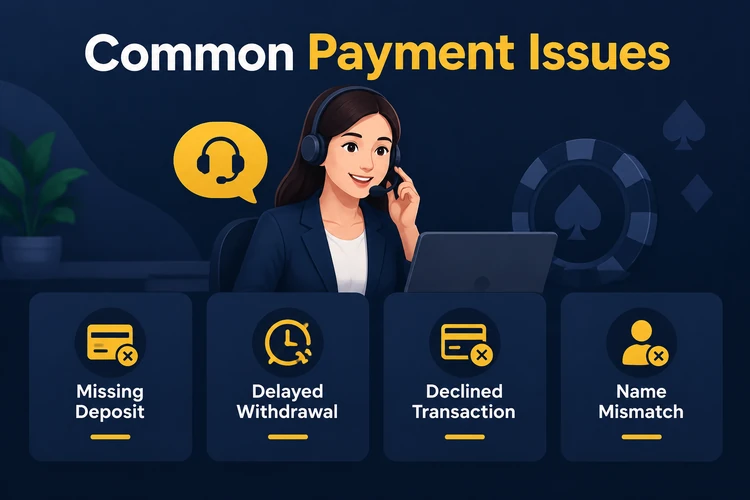
- Deposit not credited → Check the wallet receipt and wait for the cashier time window. Send the transaction reference to support if the balance remains unchanged.
- Withdrawal delayed → Review verification, wagering, and payment details before checking the request status.
- Transaction declined → Check wallet limits and available funds, then try a smaller amount or another listed method.
- Name mismatch → Use a wallet or bank account registered to the same name as the Kriya profile.
Use the live chat or email channel shown in the account for assistance. Support is available around the clock according to the current service information. Include your username, transaction reference, amount, and timestamp.
FAQ
The listed minimum is 500 BDT for bKash, Nagad, Rocket, Upay, and SpeedPay. Bank transfer shows a 1,000 BDT minimum in the payment table. Check the cashier because account limits can change.
bKash and Nagad are listed with a 24–48 hour withdrawal window. Bank transfer, Upay, and SpeedPay may take up to 72 hours. Actual timing depends on review and provider processing.
The listed Kriya fee is 0% for the methods shown. Your wallet or bank provider may apply a separate service charge, so review the final transaction screen.
Usually, the withdrawal must use the same approved method and account used for the deposit. The registered name must also match your Kriya profile. Check the cashier or support instructions before submitting a request.